Preview & Test
Overview
The Preview & Test section provides tools to safely verify configuration and confirm correct behavior of the virtual ONVIF device before production use.
The recommended testing workflow is to use the built-in ITVDesk checks first, then validate the device with an independent ONVIF client, and finally test it from the target VMS/NVR system.
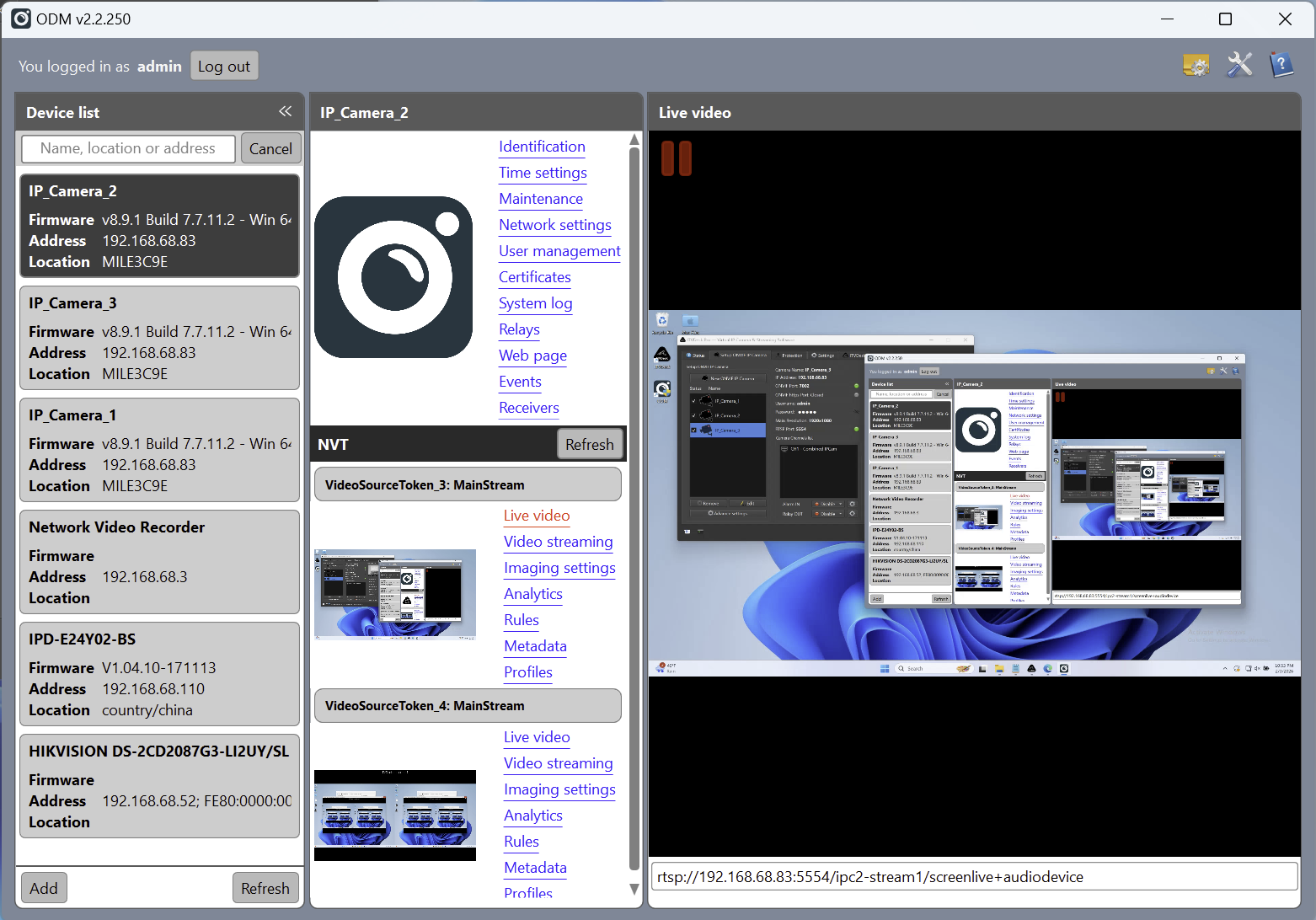
- ONVIF Device Manager A universal third-party ONVIF testing tool used for compatibility checks and independent validation.
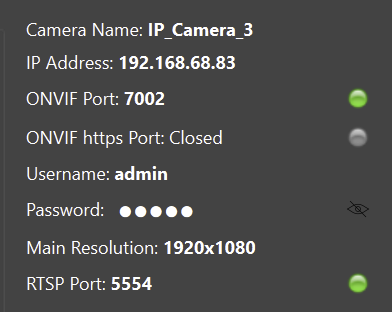
- Built-in ONVIF and RTSP status indicators Provide immediate visual feedback on service availability and stream state.
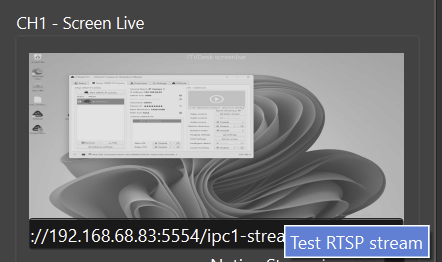
- Internal Test buttons provided by the UI Allow safe, local testing of streams, events, and relay behavior without external systems.
This approach avoids unintended alarms, recordings, or automation triggers while still confirming that the virtual ONVIF device is visible and usable from standard clients.
Recommended Testing Method (Best Practice)
The safest first step is to use the built-in ITVDesk status indicators and test buttons. After that, validate discovery and stream access with ONVIF Device Manager or another compatible ONVIF client.
ONVIF Device Manager (ODM) is recommended for independent validation and compatibility testing.
This allows:
- Full ONVIF verification
- Non-destructive testing
- Immediate visual feedback
- Clear separation between test and production environments
ONVIF Device Manager (ODM)
ONVIF Device Manager is the recommended external tool for validation.
Using ODM, you can:
- Discover the ITVDesk ONVIF device
- Verify device information and profiles
- Preview live video streams
- Subscribe to ONVIF events
- Monitor alarm and motion events in real time
ODM provides clear confirmation that:
- ONVIF services are running
- Events are correctly exposed
- The video stream is accessible
UI Status Indicators (ONVIF & RTSP)
ITVDesk provides status indicator lamps in the UI for key services.
ONVIF Status Indicator
Indicates the current ONVIF service state:
- 🟢 Connected / Active
- 🔴 Not available / Error
Confirms that ONVIF services are reachable by external clients.
RTSP Status Indicator
Indicates RTSP streaming status:
- 🟢 Stream active
- 🔴 Stream inactive or error
Confirms that the video stream is being served correctly.
These indicators allow instant health checks without external tools.
Test Stream Button (UI)
The Test Stream button allows local verification of the video stream.
This test:
- Starts the RTSP stream locally
- Displays the final processed video output
- Confirms encoder and media pipeline operation
This test is safe and does not trigger alarms or events.
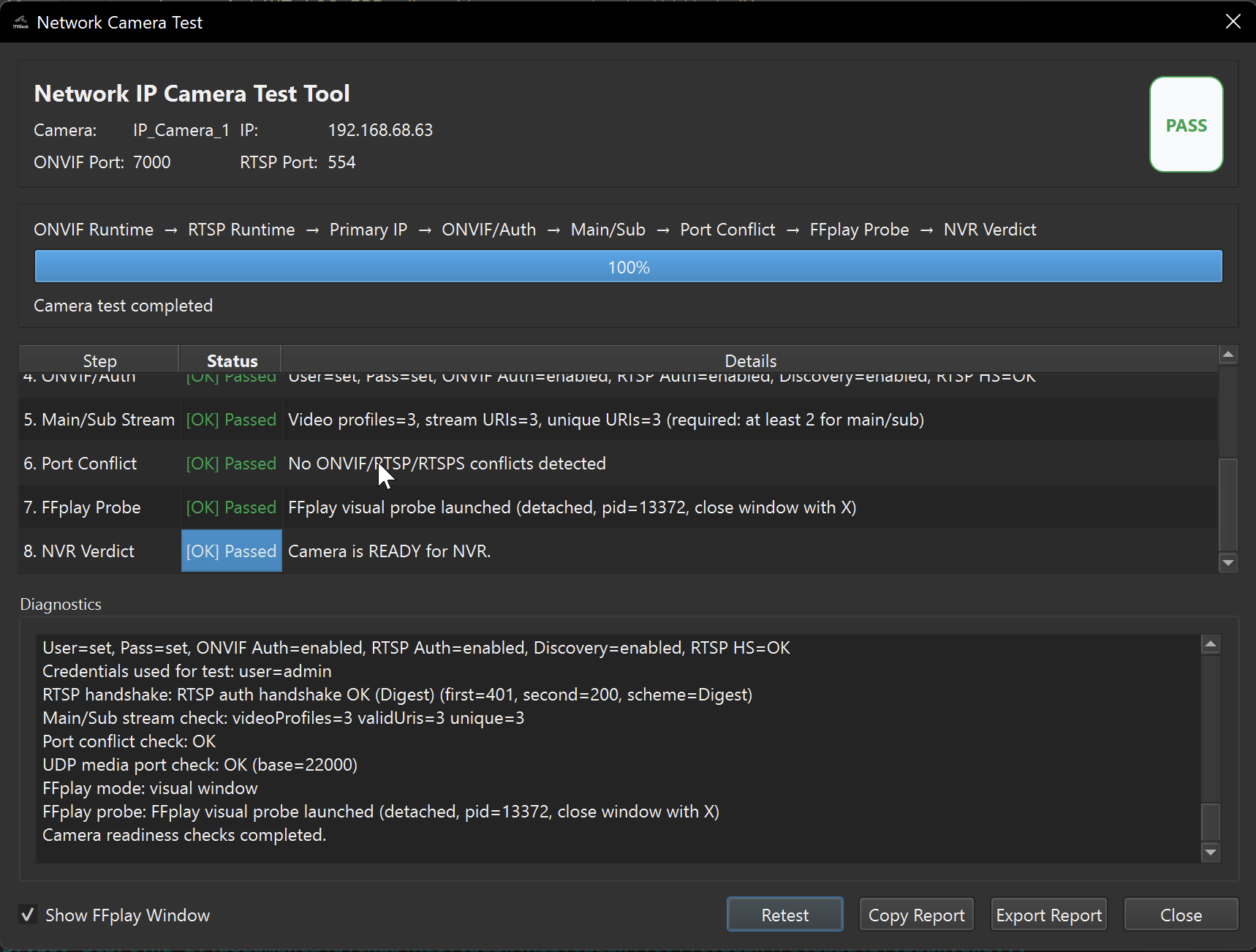
Network Camera Test (NVR Readiness)
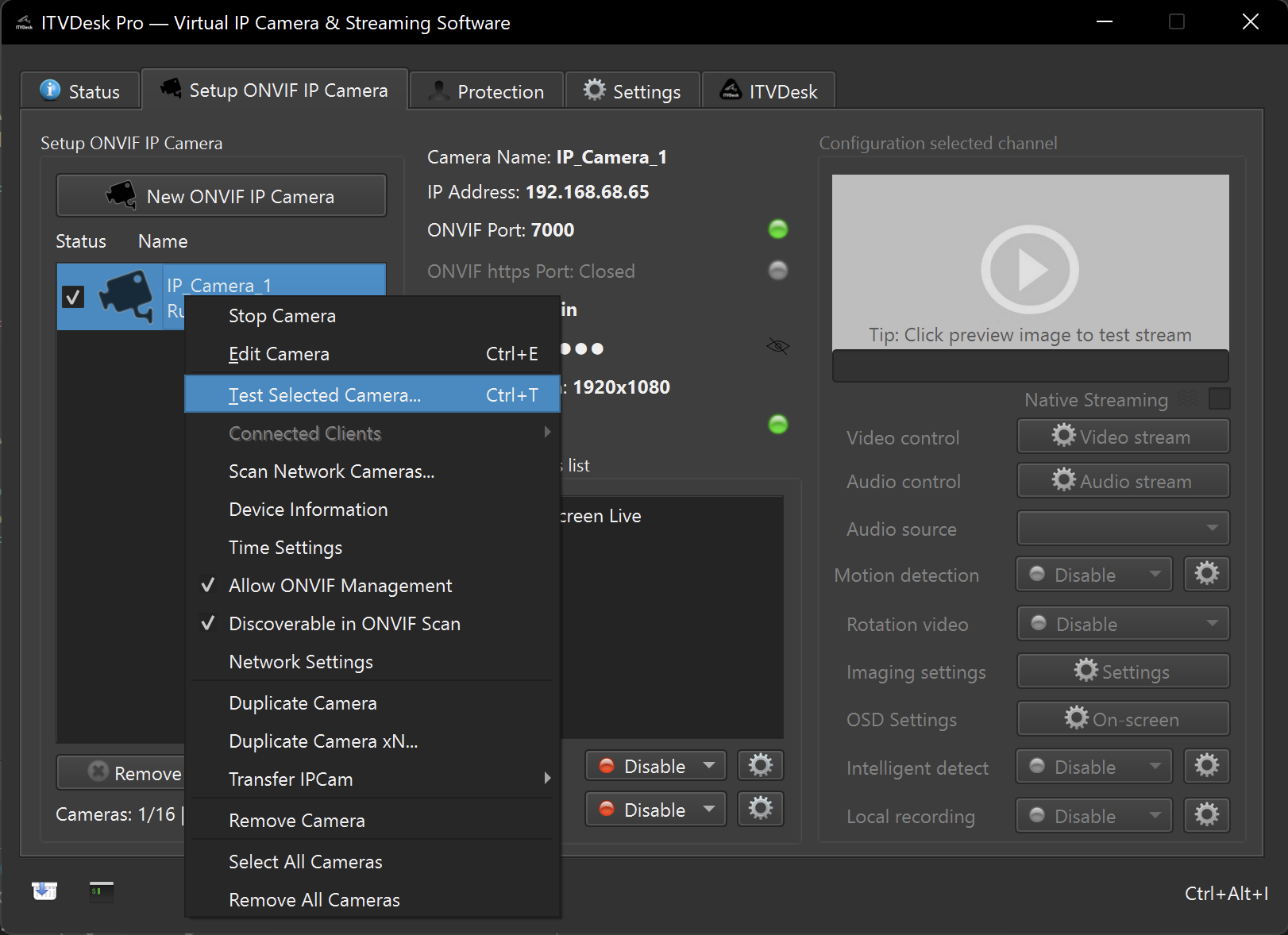
For deeper diagnostics (ports, bind IP, auth handshake, main/sub profiles and a real FFplay probe), use:
Scan Network Cameras (Advisor)
To discover ONVIF devices on the network and get quick integration hints, use:
Testing ONVIF Events (Motion & Alarm)
For event testing:
- Use Test Motion Detection button
- Use Alarm IN keyboard shortcut
- Observe events in ONVIF Device Manager
This ensures:
- Event generation is working
- ONVIF subscriptions receive events
- External systems can react correctly
Testing Relay OUT
Relay OUT can be tested using the manual relay toggle in the UI.
This allows:
- Verification of relay behavior
- Testing of local actions
- Validation without VMS/NVR involvement
Why This Testing Method Is Safe
- No local recording is triggered
- No external automation is required
- No irreversible actions occur
- All tests can be performed offline
This makes it suitable for:
- Initial setup
- Commissioning
- Troubleshooting
- Training and demonstrations
Summary
The Preview & Test workflow in ITVDesk is designed to be:
- Safe
- Predictable
- Non-destructive
Best practice is to combine:
- ONVIF Device Manager (compatibility testing) https://sourceforge.net/projects/onvifdm/
- UI status indicators
- Built-in Test buttons (ffplay)
- VLC Player
This ensures reliable verification before connecting ITVDesk to live VMS/NVR production systems.
Next Steps
👉 Connect to VMS / NVR